Packages
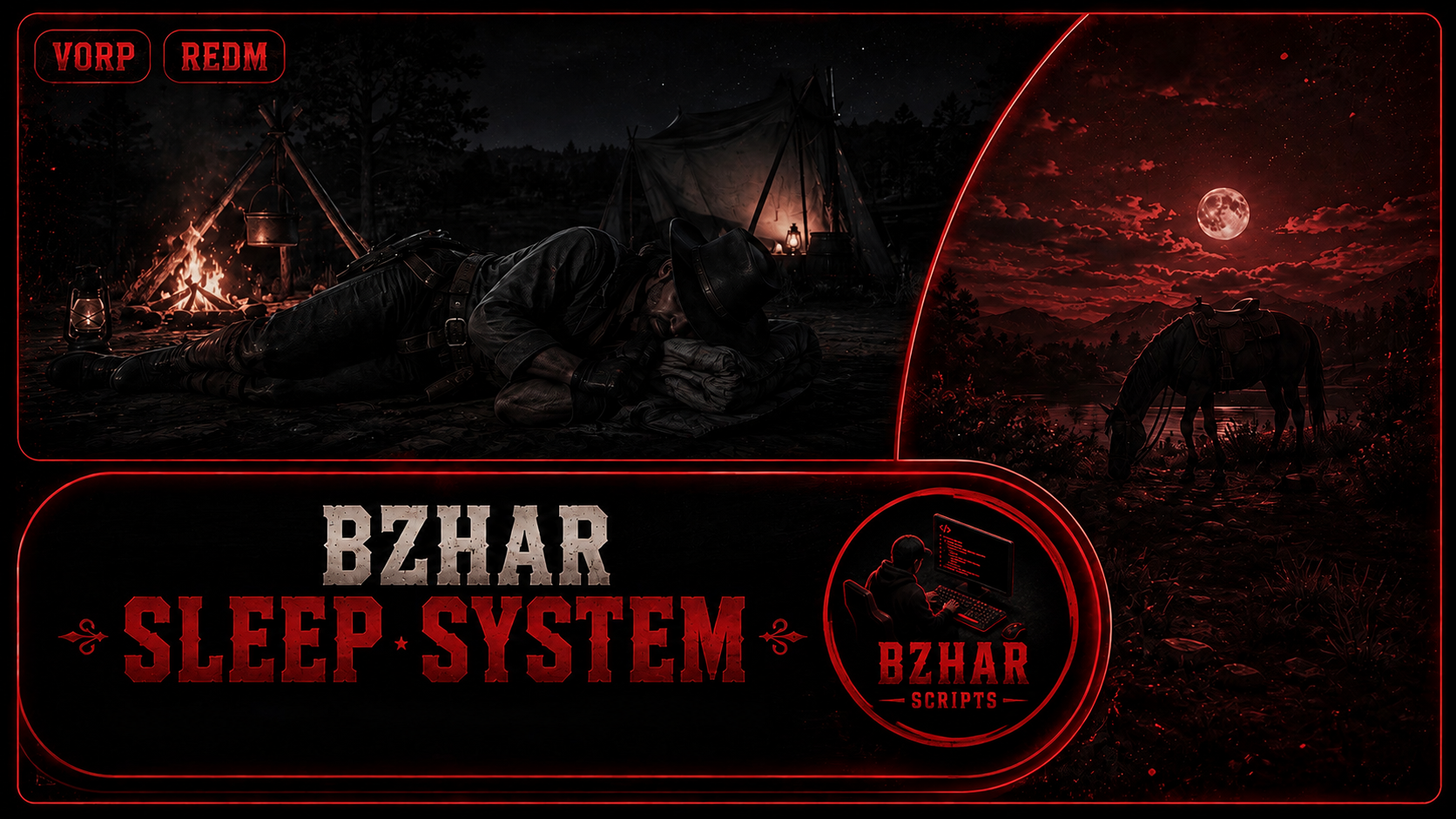
Bzhar Sleep System + hotel System
‘’’FEATURES’’’
𝑭𝒂𝒕𝒊𝒈𝒖𝒆 𝑺𝒚𝒔𝒕𝒆𝒎
Energy goes down while awake, faster while running, swimming, cold, hungry, thirsty, or riding long distances. Under 30 energy the screen blurs, under 25 walking gets slower, under 10 the character can fall over
𝐒𝐥𝐞𝐞𝐩𝐢𝐧𝐠 𝐒𝐲𝐬𝐭𝐞𝐦
Players can place a bedroll item anywhere they want except in towns and sleep on it to restore their energy
𝐃𝐫𝐞𝐚𝐦 𝐒𝐲𝐬𝐭𝐞𝐦
The player dreams while sleeping, experiencing either nightmares or good dreams. If they have a bad dream, their stress increases; if they have a good dream, their stress decreases (requires outsider_needs). It supports YouTube videos and your own videos. You can add text over the video, for example:
lines = {
{ at = 4, hold = 6, text = "A quiet field, the grass moving in the wind." },
{ at = 50, hold = 8, text = "Someone says your name." },
}
𝗖𝗼𝗺𝗳𝗼𝗿𝘁 𝗮𝗻𝗱 𝗧𝗲𝗺𝗽𝗲𝗿𝗮𝘁𝘂𝗿𝗲 𝗦𝘆𝘀𝘁𝗲𝗺
Having a campfire near the bedroll increases comfort
𝗗𝗮𝗻𝗴𝗲𝗿 𝗦𝘆𝘀𝘁𝗲𝗺
When someone shoots nearby or an animal approaches, the player wakes up
Sleep lengths are not the same
```Config.Rest = { [1] = 20, -- 1 hour -> a little rest [3] = 55, -- 3 hours -> half [6] = 85, -- 6 hours -> almost full morning = 100, -- until morning -> wake up full }```## Hotel System
Sleeping in a safe place without fear, and waking up due to anything, requires money.
. you can add cutscenes everywhere you want
You can add more hotels
You can change the amount to whatever you want
Optional
- outsider_needs — hunger, thirst and body cold making the player tired faster, and stress removed when he wakes up. Off with
Config.Needs.use = false. It re-looks for it every 10 seconds - object_gizmo — moving the bedroll with W / R / LAlt before he drops it. Without it the bedroll is just placed 1.2 m in front of him. Name is in
Config.Bedroll.gizmo. - weathersync — the clock and weather after sleeping. Without it the script moves the game clock itself with the natives. Name is in
Config.TimeSync.resource, and/sleeptimeprints which script it found.
SUPPORTED FRAMEWORKS
VORP ONLY
preview
Bedroll animations and Items Privew
https://www.youtube.com/watch?v=T2DVfFZ9dQ8
Hotel System Preview
https://www.youtube.com/watch?v=Gco64xrAhqg
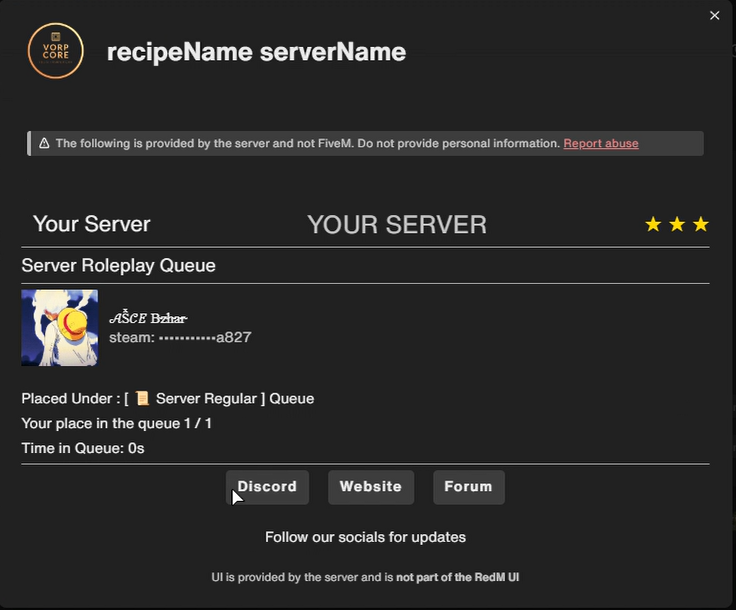
Bzhar Queue
Welcome to Bzhar Scripts!
# bzhar_queue
Please join the Discord for any issues with the script to get support. Thank you all for your support
discord:https://discord.gg/mtX9KBUnfJ
Whitelisted queue for RedM. Discord roles decide priority. Adaptive card shows the player where they are in the queue with your logo, brand and buttons.
## Features
- Discord role whitelist with per-role priority
- Blacklist roles (auto-kick)
- Grace period for crashed players — slot held for N seconds, put back at the top of the queue (or skip queue entirely, your call)
- Adaptive card with 3 URL buttons (Discord / Website / Forum — labels and URLs are yours)
- Header shows your logo, brand name, faded wordmark, and star rating
- Live position, queue size and time-in-queue
- Rotating ad messages under the buttons (every 3s by default)
- Discord username, avatar and Steam ID shown on the card
- Steam ID display: full, masked, or hidden
- Non-whitelisted players see a "join the Discord" card instead of a kick
- Timeouts and retries on every Discord call so nobody hangs on the connect screen
- Optional Discord webhook logging
- Console commands: `queuestatus`, `queueclear`, `queuetest`
## Install
1. Drop `bzhar_queue` into `resources/`
2. Add `ensure bzhar_queue` to your `server.cfg` **before** your framework
3. Set `sv_maxclients` in `server.cfg` — the queue reads this
4. Open `config.lua` and fill in your bot token, guild ID, role IDs, URLs
5. Restart
6. Run `queuetest` in the server console to confirm Discord works
## Discord bot setup
1. https://discord.com/developers/applications → New Application
2. Bot tab → Add Bot → copy the **Token** into `Config.DiscordBotToken`
3. Same tab → enable **SERVER MEMBERS INTENT**
4. OAuth2 → URL Generator → check `bot` + `View Server Members` → invite to your server
5. Discord → Settings → Advanced → Developer Mode ON → right-click your server → **Copy Server ID** → paste into `Config.DiscordGuildId`
6. Right-click each role → **Copy Role ID** → paste into `Config.WhitelistRoles` / `Config.BlacklistRoles`
## Notes
- Standalone. No framework dependency.
- Loads before your framework so it can intercept connections before anything else runs.
## link
discord:https://discord.gg/mtX9KBUnfJ
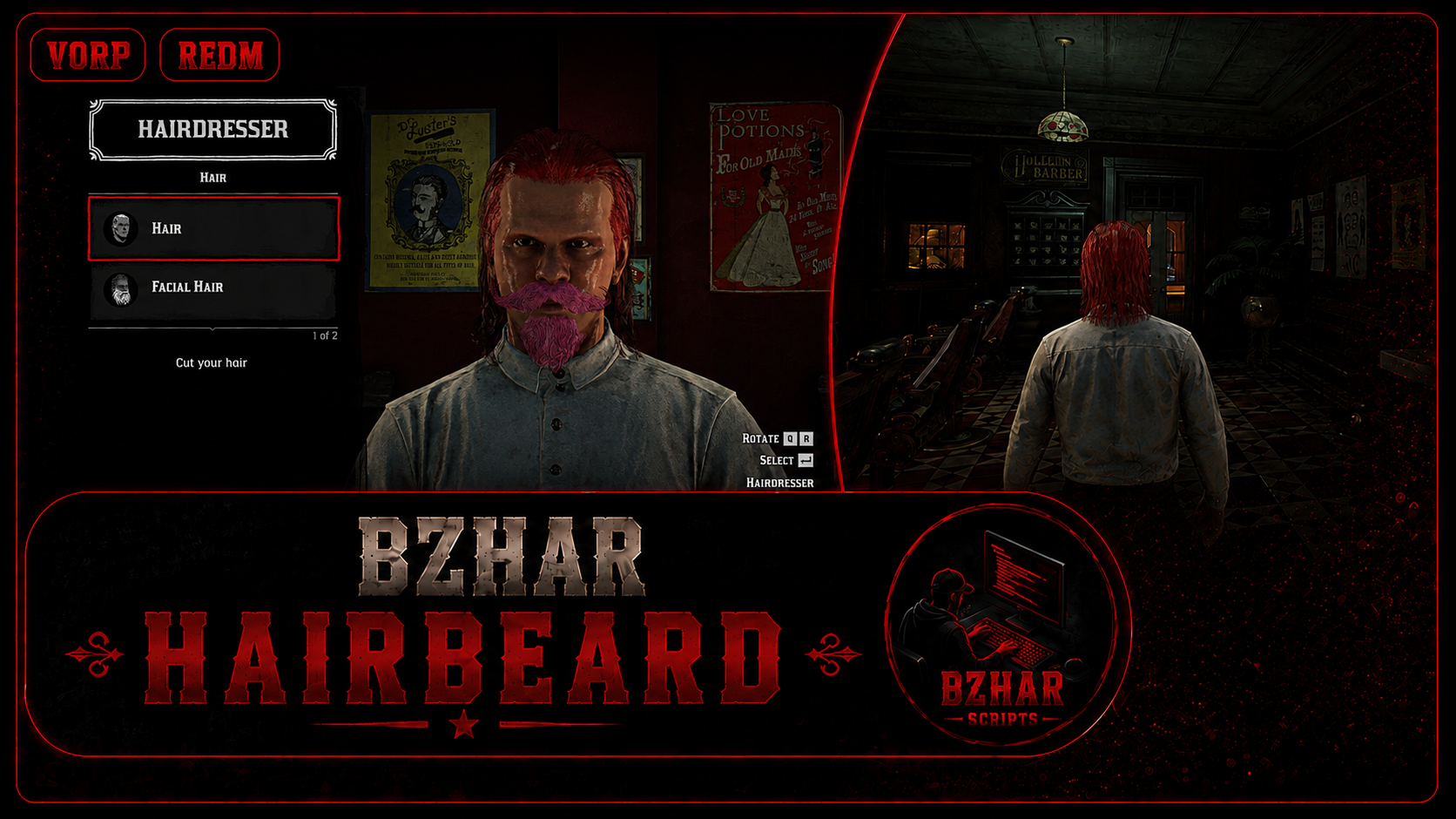
Bzhar Hairbeard
# bzhar_hairbeard
A complete barber shop for RedM. Players pick a haircut or a beard and mix their
own colour from real game palettes.
## Features
* Every haircut and beard in the game, in every colour the game has
* **Custom colour** — 9 palettes with 3 tints each, so one haircut has thousands of looks
* Price of every part is set by you
* All text in one file, easy to translate
## Requirements
- vorp_core
- jo_libs
---
## Install
1. Put the `bzhar_hairbeard` folder in your `resources` folder.
2. Add it to `server.cfg`, **after** jo_libs:
```
ensure jo_libs
ensure bzhar_hairbeard
```
## preview
https://youtu.be/Jsqc-MczOMc
## link
discord:https://discord.gg/mtX9KBUnfJ
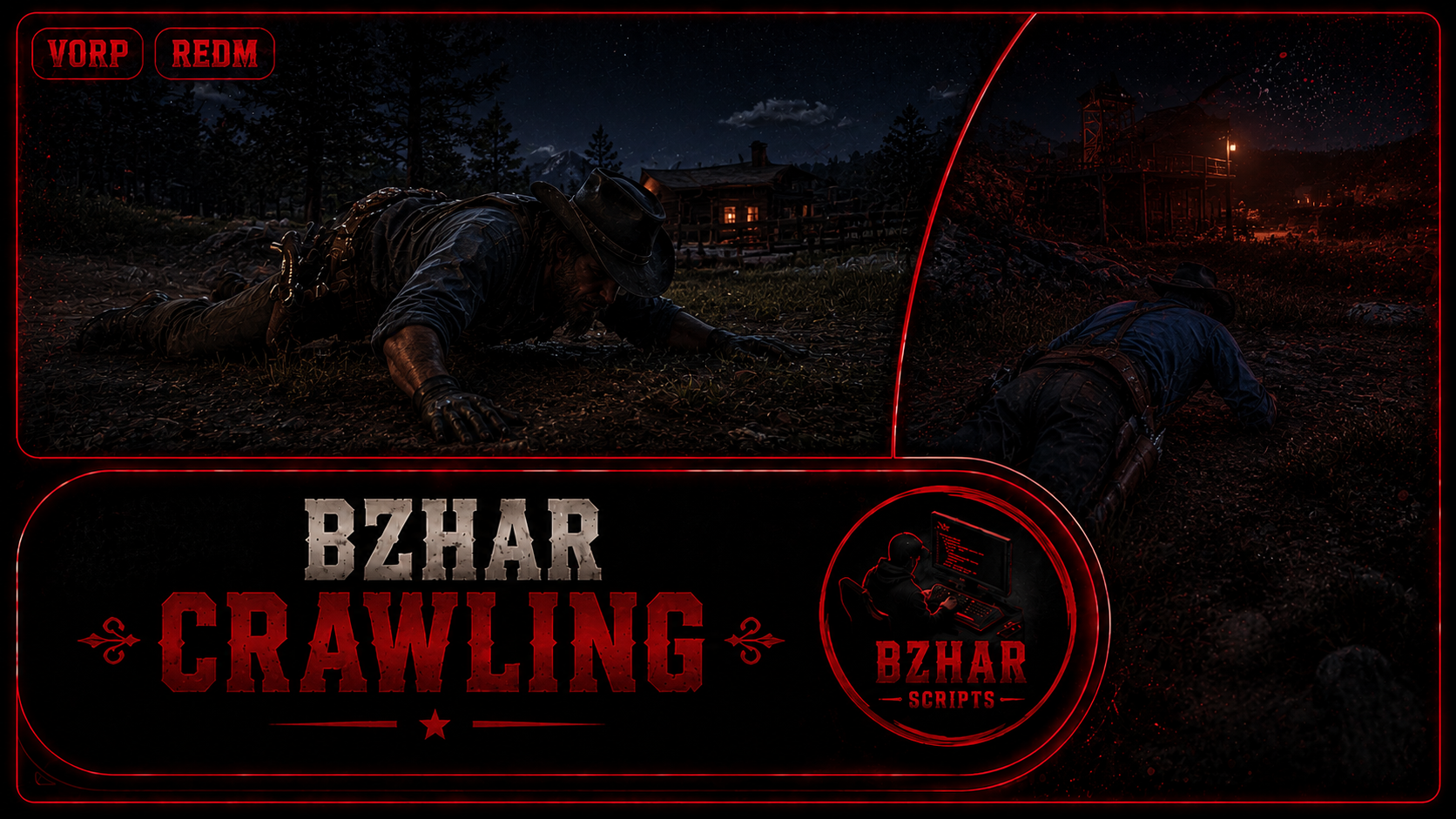
Bzhar Crawling
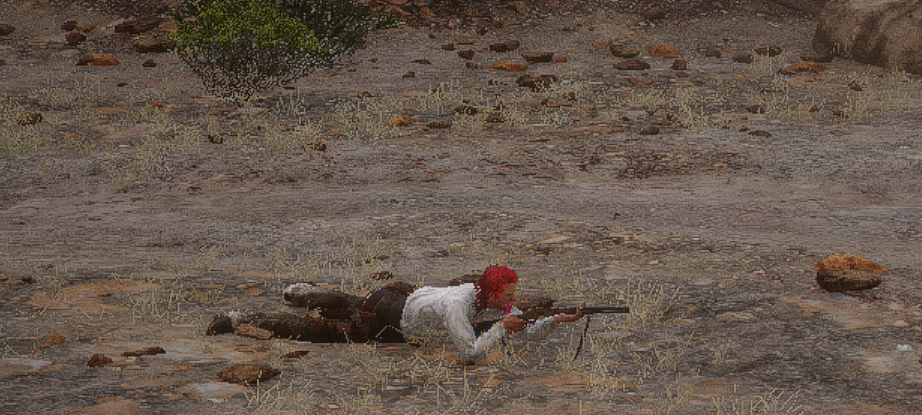
DESCRIPTION
A nice immersive addition for serious RP, you can prone/crawl and moving forward, backward, left, right, turn around, etc.
FEATURES
• Fully configurable hotkeys • Translation support • Fully stealth movement while in crawl/prone position (reducing animal/NPC detection) • Can use weapon while in crawl/prone position (long-arm weapons) • Fluid, smooth, and immersive movement (Skyrim-level immersion) • Onscreen tutorial (can be enabled/disabled in config) • You can sprint (move faster) when holding Shift key (or any key you set inside Config file) • 90/180 degrees turn (default is 90 degrees) • cuffed/lassoed/hogtied/ragdoll/falling checks to disable prone/crawl when condition meets • Function export IsCrawling for external script calling
HOW TO USE?
• Long-press Ctrl to start crawl/prone • Hold Shift to move faster • Press Spacebar/Ctrl to stop crawl/prone • and so on…
SUPPORTED FRAMEWORKS
• RSG • VORP • RedEM-RP • Dokus • Gum • Custom
create it by bm-studio
Preview
Link
tebex:https://bzharscripts.tebex.store/
Bzhar Killfeed
bzhar_killfeed
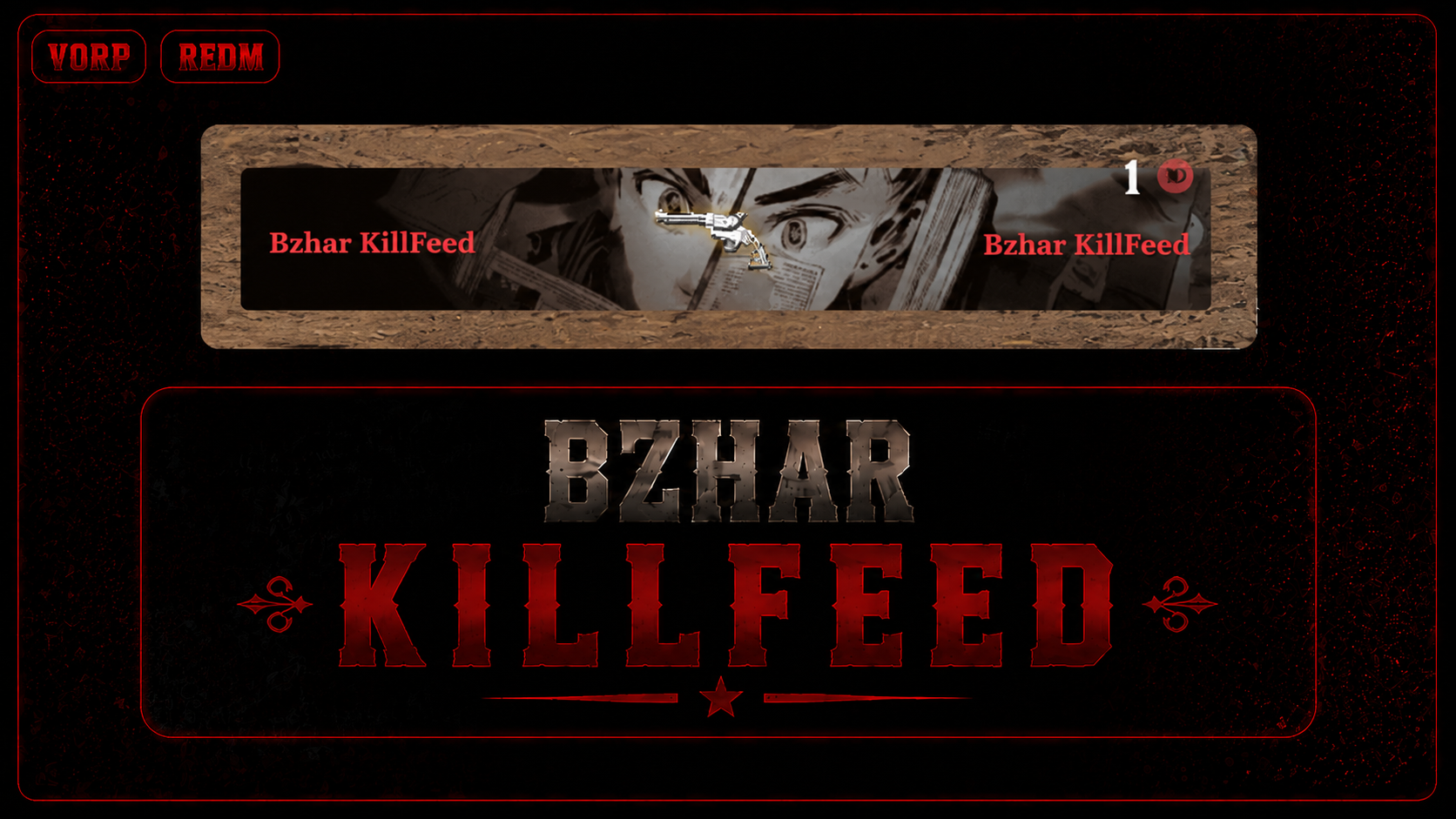
Killfeed for RedM. Every kill shows up on all players' screens as Killer — weapon icon — Victim. VIP players get an animated banner behind their line.
Features
- Kill lines broadcast to every connected player
- Deaths with no killer get a label instead: Fell, Drowned, Burned, Explosion, Bled Out, Run Over, Fists, plus 16 animals (Bear, Cougar, Wolf, Alligator, Snake, Horse and more). Off by default
- Animated GIF banner per VIP, shown when that player is the killer or the victim
- Weapon with no icon file falls back to its name in text, so a line is never blank
- Feed position, line count and line lifetime set in the config
- Admin test command
- Death detection is native, so it does not depend on any framework's death event
- No framework, no database, no dependencies
Requirements
None. Runs on any RedM server.
Install
- Drop the folder in your resources directory.
- Add to
server.cfg:ensure bzhar_killfeed - Give admins the test command:
add_ace group.admin command.killfeedtest allow
Test command
/killfeedtest [killer] [victim] [WEAPON_NAME]Example: /killfeedtest Bzhar Paiwast WEAPON_SHOTGUN_PUMP With no arguments it uses your own name Victim, and the Cattleman Revolver Admin only
Link
## discord: https://discord.gg/mtX9KBUnfJ
Bzhar DeliveryMan
Welcome to Bzhar Scripts!
Please join the Discord for any issues with the script to get support. Thank you all for your support
discord:https://discord.gg/mtX9KBUnfJ
bzhar_Delivery + Trader License + with Team
## Features
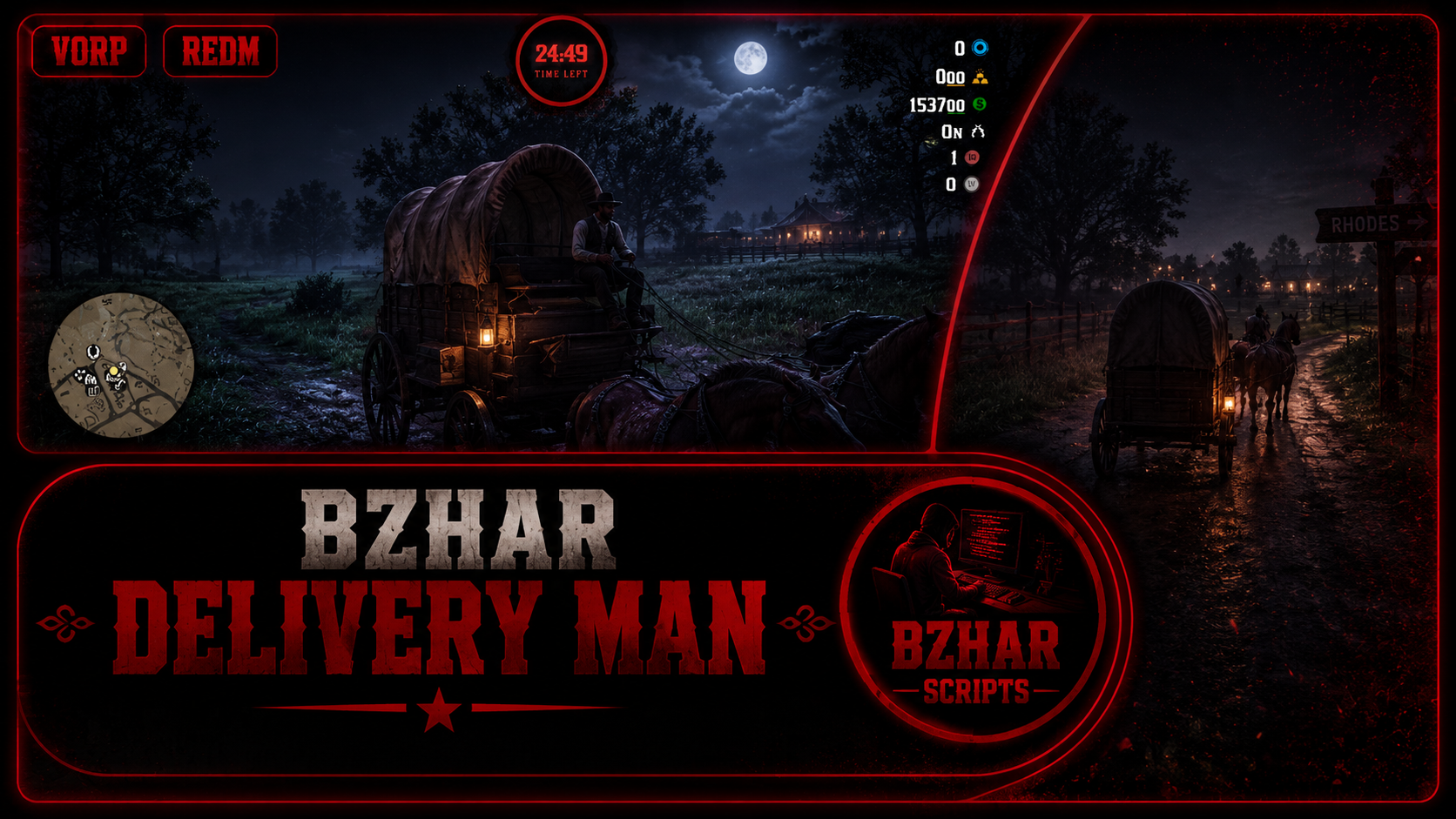
. A timer has been set for it. When you get on the wagon, the countdown decreases, and if you don't complete the job within the given time, the job will be cancelled.
. Receiving Money upon completion of the Job
.Teaming up with your friends: You can invite your friends to do the job together to finish faster
. The focus system requires you to right-click on the prop and then pick it up.
. NPC reactions and animations
. Animations have been set for picking up props, putting them in the wagon, and placing the props down
. An enemy system has been added where they try to rob and kill you halfway along the route
. CoolDown system
. A sound system has been added for picking up and placing down props
. Circles
. Blip
. All of these have their own specific locations
.Norun when you pickup prop
## Party
- **Invite Player** - the players standing near you, pick one and he gets an Accept / Decline menu
- **My Party** - who is in your party
- **Start Delivery** - the list of all delivery places, pick one and the job starts from here
- **Ready** and **Start Now** - they show while the lobby countdown runs
- **Leave Party**
`onlyHere = true` means inviting and pressing Ready work only at this place, so the party really meets before the job. Set it to false if you want players to invite each other anywhere.
## Trader License
Nobody can start a delivery without the licence. It is a normal item, bought in its own shop at its own place (`Config.License`).
1. Add the item to your `items` table one time:
```sql
INSERT INTO items (item, label, `limit`, can_remove, type, usable)
VALUES ('trader_license', 'Trader License', 1, 1, 'item_standard', 0);
```
## Install
1. Put the folder in your resources.
2. `ensure bzhar_delivery` in server.cfg, after `jo_libs`, `vorp_core` and `vorp_inventory`.
## dependencies
'''jo_libs'''
## link
discord:https://discord.gg/mtX9KBUnfJ
Tebex:https://bzharscripts.tebex.store/category/free-scripts-1
## preview
## soon
Bzhar Jobalerts
bzhar_jobalerts
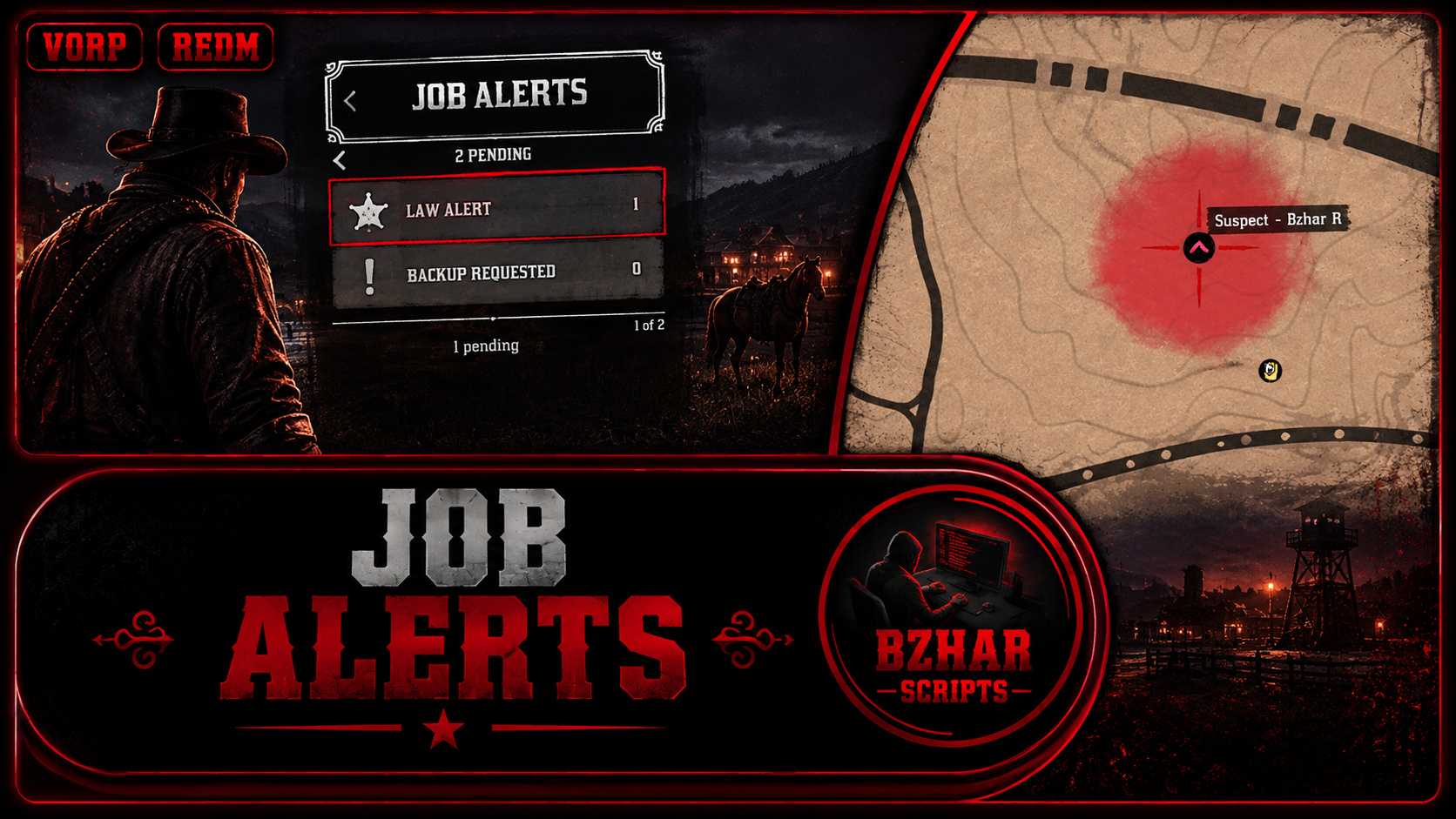
Job alert system A player fires an alert, everyone holding the right job gets a notification and a blip, one of them takes it, and the sender watches them come
Framework
‘VORP’ only
Features
. Blip for both the person sending the alert and the person receiving it
. You cannot send alerts multiple times in a row; there is a cooldown
. Each of the jobs has its own menu.
. A Waypoint has been added
. If an alert is not accepted for a long time, it will expire
. Each of the jobs has its own specific text
. There are Deny, Remove, and Accept options after opening the menu and pressing enter on the sent alert
. You can add new jobs
. Job grade
, webhook
Requirements
- vorp_core
- jo_libs (menu module)
Install
- Drop
bzhar_jobalertsin your resources folder. -
ensure bzhar_jobalertsaftervorp_coreandjo_libs. - Edit
config.lua— setreceiveJobson each alert to the job names your server actually uses
Showcase
Link
Bzhar license System
# bzhar_license
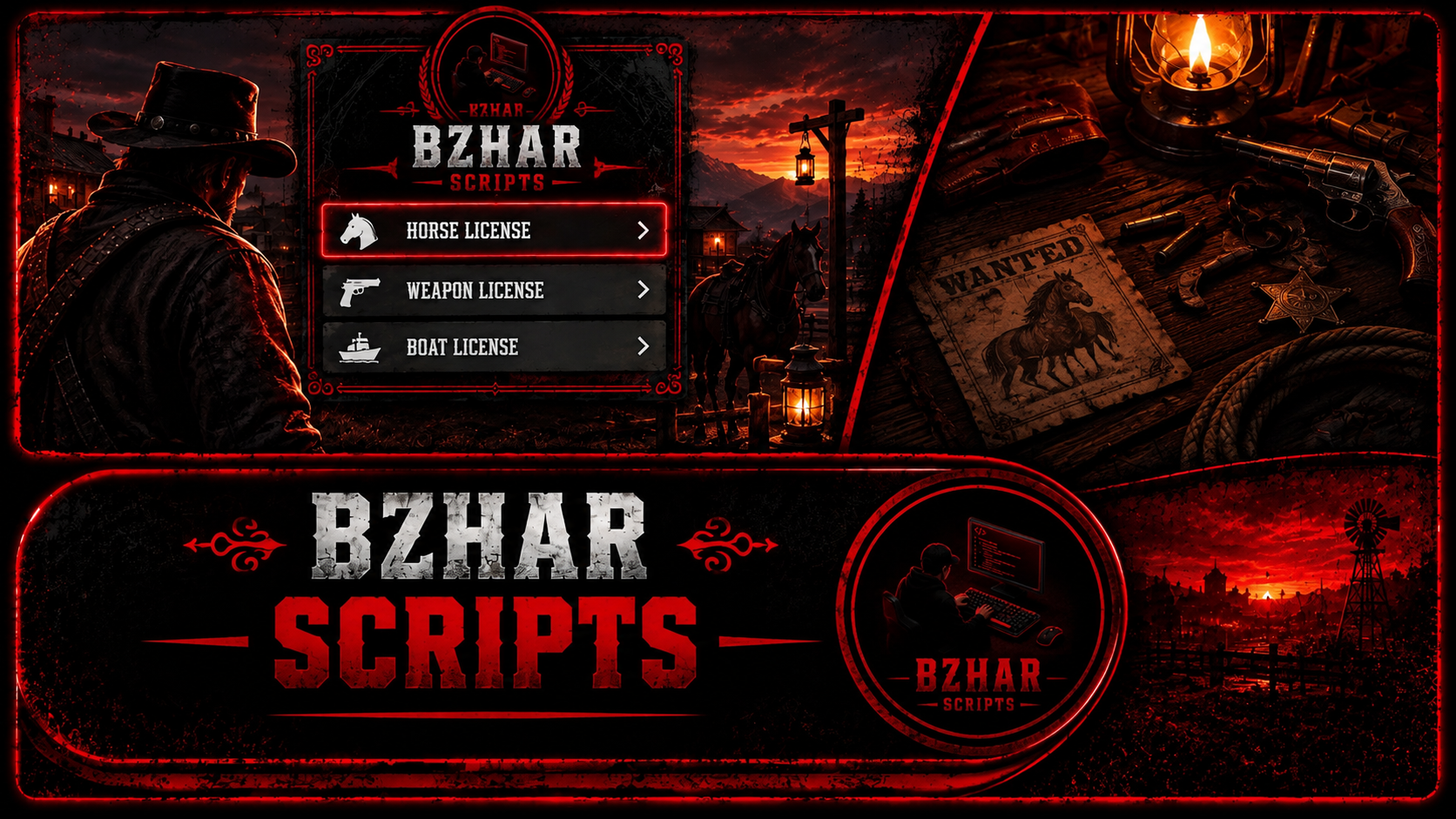
License system for RedM. Five licenses, sold at an office, with an expiry date on each one
Every rule can be switched off in the config, so you can run it as a pure permission system if you want
## Features
. You cannot start a business without a license
. You cannot use a gun without a license
. You cannot fish without a license
. You cannot hunt without a license
. Includes a business system
. Checking your license by using an item
. Putting a image on your license
. Expiry date
. Shop to buy a license
. officers can take your license card and also can given you by command
## Licenses
| id | default price | default length |
|---|---|---|
| hunting | 45 | 30 days |
| gun | 75 | 30 days |
| business | 150 | 60 days |
| horse | 35 | 30 days |
| fishing | 25 | 30 days |
## What gets blocked without a license
- **gun** - firearms are unequipped and holstered the moment they are drawn. `melee = true` keeps knives and fists usable
- **horse** - the mount prompt is hidden. With `dismount = true` a player already in the saddle is put on the ground
- **hunting** - `shooting = true` blocks the shot while aiming or locked on an animal. `carry = true` drops any pelt or carcass the player picks up
- **fishing** - the fishing rod is unequipped when drawn
- **business** - no world rule, it is read by the exports so your other scripts can gate shops, wagons or jobs
Each block sends one notification, throttled to one every 6 seconds so it does not spam
## Menu
Built on `vorp_menu`. Every row carries a status icon on the right side: green tick when the license is valid,
red mark when it has run out, grey padlock when the player never bought it. A valid license also shows the days left
next to the tick. The price sits at the bottom of the menu with a currency icon
Icons are three PNGs in `html/icons`, swap them for your own if you want
## Expiry
`days = 0` on a license means it never expires. Any other number sets the length
The server checks every 60 seconds, warns the player when `Config.WarnDays` are left, and tells him when it runs out
Renew opens when `Config.RenewDays` or less are left, and stacks the new time on top of what is left
## Install
1. Requires `vorp_core`, `vorp_menu`, `oxmysql`, plus `vorp_inventory` if `GiveItem` is on
2. Drop the folder in your resources and add `ensure bzhar_license` after those
3. Run `install.sql`. It makes the license table and adds the five license items if they are not already there
The license table is also created on first start, the items are not
## Config
Offices, prices, lengths, currency, the issuer jobs and every block rule are in `config.lua`
The four office coordinates shipped are placeholders - move them to the spots you want
Every line of text the player sees is in `locales/en.lua`, including the license names, which are keyed by the
`id` in the config. Change a name there, not in the config
## The card and the face photo
Pressing enter on a license in the menu opens the card with that license's name and the expiry date the player
would get, and asks for the link to his face photo. He takes a photo of his character, uploads it at
https://imgur.com/upload and pastes the BBCode (Forums) link in the box. The `[img]` tags are stripped, so
`[img]https://i.imgur.com/nFGlE0a.png[/img]` and the plain link both work. The photo lands on the card while he
types, so he sees it before paying. Buy charges him, Back or ESC drops out with nothing spent
The link is saved per character, not per license, so it is asked once and reused on every card he owns. Leaving
the box empty is allowed and the card falls back to a plain silhouette
`Config.PhotoHosts` is the list of hosts a link may point at, `i.imgur.com` by default. Anything else is refused
Empty the list to allow any host. Links must be https and no longer than 255 characters
The picture is downloaded by the server, not by the game. RedM's browser sends its own user agent and imgur
turns those requests away, so the server fetches the file with normal browser headers, checks the first bytes are
really a png, jpeg, gif or webp, and hands the image to the card. Downloads are cached per link on the server and
per link on each client, so a card that is opened again costs nothing. Anything over 768 KB is refused
The link is tidied before it is used, on both sides. `[img]` tags come off, `http` becomes `https`, anything after
a `?` is cut, and an imgur page link like `https://imgur.com/nFGlE0a` is turned into the direct
`https://i.imgur.com/nFGlE0a.png`. While the box is open the photo box says Loading, then shows the picture or
says the link did not load
The server refuses links pointing at localhost or private network ranges, so an empty `PhotoHosts` list cannot be
used to make the server fetch something on your own network
Using the license item in the inventory shows the card he already owns, with his photo on it. That one closes on
ESC or by itself after `Config.CardSeconds`
The band colour and the picture for each license are in `Config.Card`. For the picture, upload the art at
https://imgur.com/upload and paste the BBCode (Forums) link straight into `image` - the `[img]` tags are stripped
for you, a plain link works too. Leave it empty and the card just drops that part
`Config.YearOffset` shifts the year shown on the card. At 127 a real date in 2026 prints as 1899, so the card
reads in period. Set it to 0 to print the real year
## Commands
- `/givelicense [id] [license] [days]` - issuer jobs and console only
- `/takelicense [id] [license]` - issuer jobs and console only
## Exports
Server:
```lua
exports.bzhar_license:HasLicense(source, 'business')
exports.bzhar_license:GetLicenses(source)
exports.bzhar_license:GiveLicense(source, 'gun', 30)
exports.bzhar_license:RemoveLicense(source, 'gun')
```
Client:
```lua
exports.bzhar_license:HasLicense('hunting')
exports.bzhar_license:GetLicenses()
```
`HasLicense` returns false for an expired license, so you never have to check the date yourself
`GiveItem` must be on for the card, since the card is shown by using the item
The exports are for scripts you own. For everything else use the item, the zones or the state bag above
## preview
https://youtu.be/C1EAAdFud64
## Link
Discord: https://discord.gg/mtX9KBUnfJ
Tebex: https://bzharscripts.tebex.store/
Bzhar BoatCombat
# bzhar_boatcombat
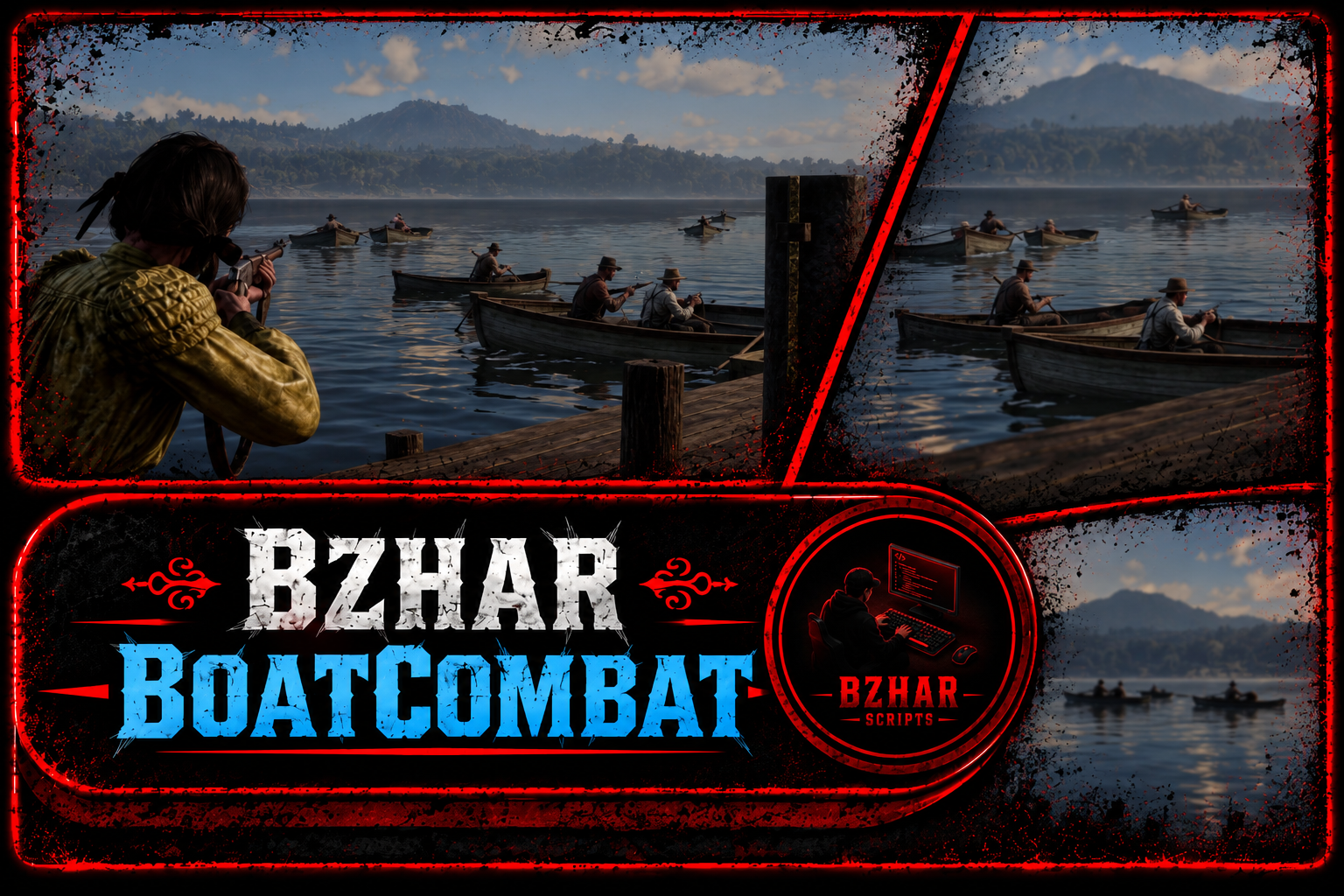
Crew deathmatch fought on the water Four players share one boat one steers and the rest shoot Everyone starts with the same gun and the same boat points buy the team a bigger hull a broken boat has to be repaired with an item and the top three teams are paid out when the clock stops
Version 1.0.0
## Link
Discord: https://discord.gg/mtX9KBUnfJ
Tebex: https://bzharscripts.tebex.store/
## Features
. Crew Deathmatch: Four players compete in a single boat (one driver, three shooters). Everyone starts with the exact same gun and boat model for a level playing field
. Progression & Tiers: Earn points by killing enemies or destroying rival boats. Points instantly upgrade your team's boat to a larger, stronger tier mid-fight (4 distinct tiers available)
. Repair System: Boats do not sink; instead, their engines die and they stall. Use the /repairboat command and a specific item (repairkit) alongside a repair animation to restore a percentage of the hull's health
. Dynamic Matchmaking: No pre-made teams required. Players gather at a designated spot and use the /joinboat command to open a menu for creating or joining a team
. Balanced Loadouts: Every player receives the same weapon upon boarding, with reserve ammo refilling automatically every two seconds. Match weapons are safely removed once the game ends
. Dynamic Arena & Sweeper: A green circle outlines the play area (staying outside the boundary for too long eliminates the team). The script continuously sweeps and deletes wandering NPCs and loose boats to keep the arena clear
. Native Scoreboard: Holding the Alt key brings up a scoreboard displaying team points, individual kills, and stats. The entire UI is built using game natives, avoiding heavy HTML/CSS overlays
. Secure Rewards: The top three teams are automatically rewarded with money and items when the match ends. The payout system is fully server-sided to prevent client manipulation or exploits
. Respawn & Spawn Protection: Dead players bypass the standard death screen and instantly respawn in a seat on their own boat. They receive a brief period of invulnerability to prevent spawn-killing
. Test Mode: Use /boattest to test the loop solo. The script spawns intelligent NPC crews that drive and shoot just like real players, allowing you to test point accumulation and boat tier upgrades
. Highly Optimized: No data is saved between matches (except for the repair item SQL row). Everything is session-based, keeping database queries at zero during gameplay. Requires vorp_core and vorp_inventory
## Requires
- vorp_core
- vorp_inventory, for the repair item and the item rewards
## Install
1. Drop the folder in your resources and add `ensure bzhar_boatcombat` to server.cfg
2. Import `bzhar_boatcombat.sql` into your database, it adds the `repairkit` item to the `items` table and updates the row if it is already there
3. Open `config.lua` and set the gather spot and the arena coordinates, see below
## Commands
| Command | Who | What |
|---|---|---|
| `/joinboat` | everyone | join the open event, then create a team or join one |
| `/leave` | players in the event | drop out and get teleported back to land |
| `/repairboat` | players in a match | spend one repair item on your broken boat |
| `/boatadmin` | admin group | open the admin menu |
| `/boatpos` | everyone | print the coords you stand on, and whether there is water there |
| `/boattest` | everyone | spawn the test NPC boats by hand, run it again to remove them |
| `/boattest up` | everyone | jump your team to the next boat tier, test mode only |
Menu keys: arrows to move, left and right to change a value, Enter to pick, Backspace to close. Hold Alt for the scoreboard
## Teams and crews
There are no fixed teams Everything is made by the players while the event is open
1. Admin opens the event
2. A player runs `/joinboat` and gets a menu with **Create a team** and the list of teams already made
3. Create opens the game keyboard he types a name and the team exists
4. Anyone else picks that name from the list to join it, the menu shows `2/4` so you can see who has room
5. A team holds `Config.Match.teamSize` players four by default and a full team cannot be joined
One team is one boat The whole crew rides together the first player of the crew gets the wheel and the rest take the passenger seats and shoot from there
Your own boat carries a blip that moves with it, so you always know which hull is yours in a fight and you can find it again after a swim It is put on the boat when you board follows the boat through every upgrade and respawn and is taken off when the match ends
## Boat progression
There is no shop and no money in the match Every team starts in the first tier of `Config.Tiers`, the same boat for everyone, and each tier is a boat that seats four
Points are earned by killing a player of another team (`Config.Match.killPoints`) and by breaking the boat of another team (`Config.Match.sinkPoints`). The points of the whole crew are added up, and when the team total reaches the next tier the boat is swapped on the spot at the position it is floating, and the crew is put back in the seats
| Tier | Boat | Model | Team points | Hull |
|---|---|---|---|---|
| 1 | Keelboat | keelboat | 0 | 2400 |
| 2 | Tugboat | TugBoat2 | 8 | 3000 |
| 3 | Big Tugboat | tugboat3 | 18 | 3600 |
| 4 | Steamboat | boatsteam02x | 30 | 5000 |
## Rewards
When the match ends the teams are ranked, teams still on the water first, then by team point. The top three rows in `Config.Rewards` are paid to **every player of that team**, not only to the top killer
| Place | Money | Items |
|---|---|---|
| 1st | $300 | 2 x repairkit |
| 2nd | $175 | 1 x repairkit |
| 3rd | $100 | 1 x repairkit |
## preview
https://youtu.be/tT-kLRKECTs
## Link
Discord: https://discord.gg/mtX9KBUnfJ
Tebex: https://bzharscripts.tebex.store/
Bzhar WeaponWheel
Bzhar Weaponwheel
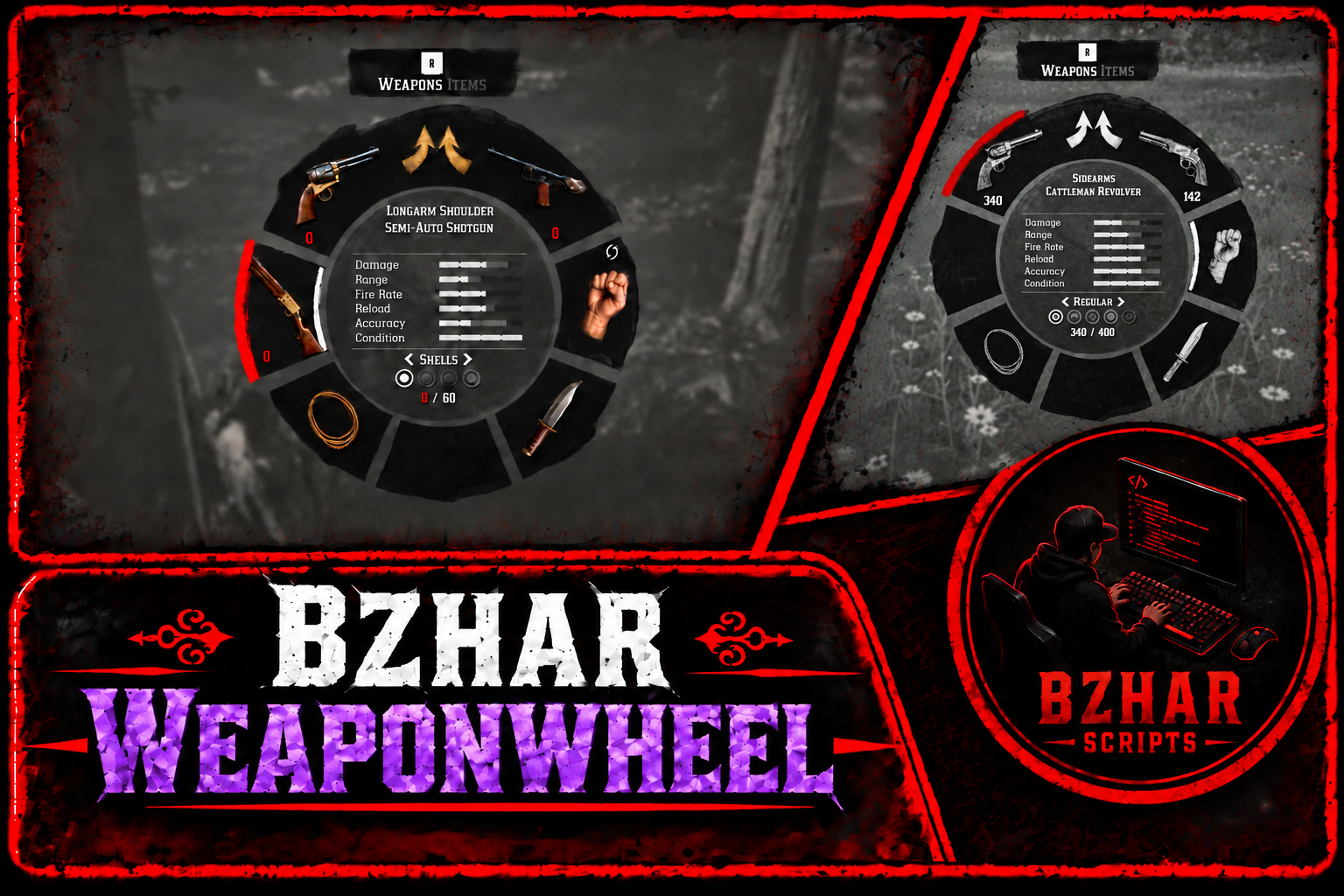
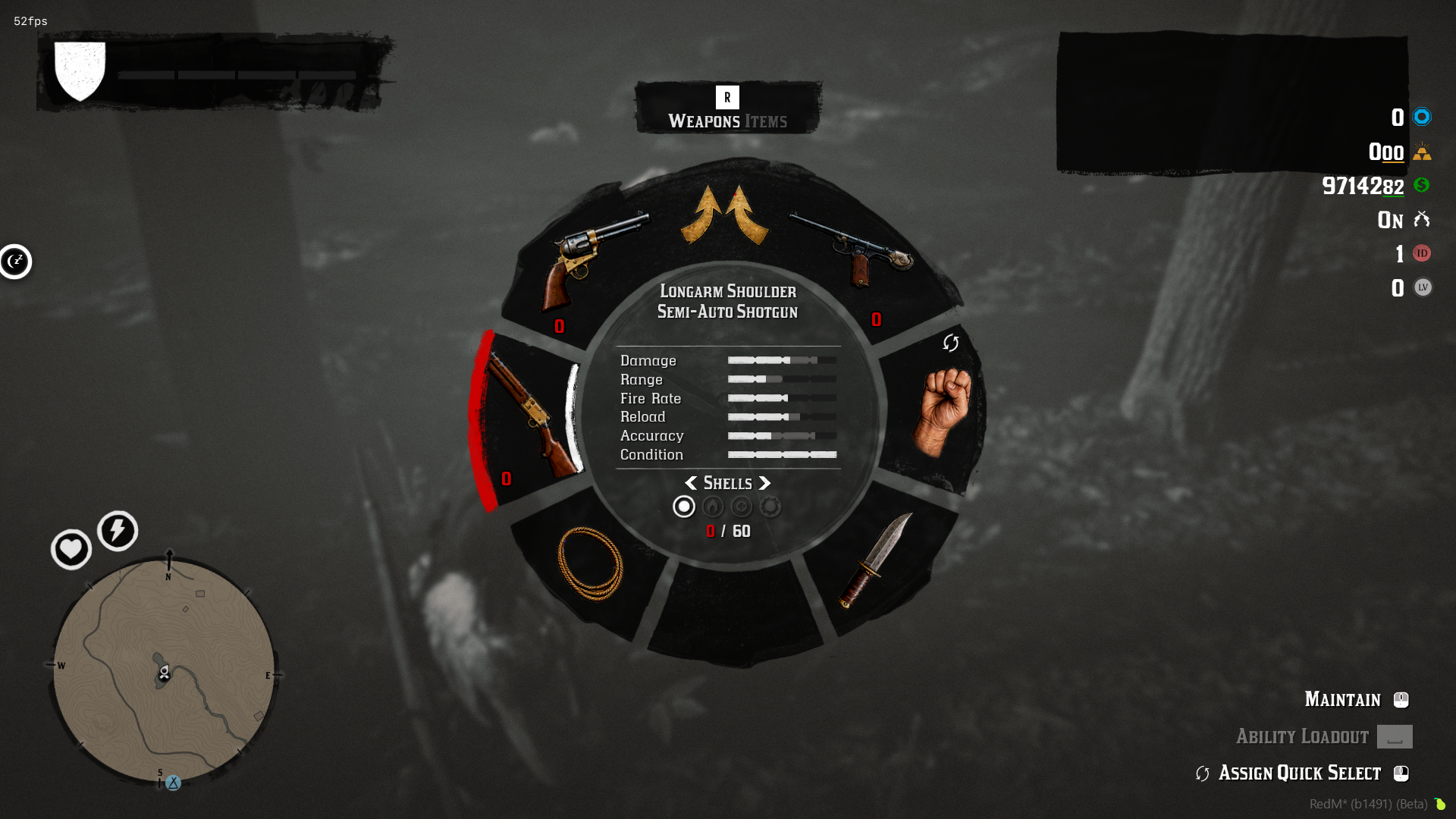
Give your server’s weapon wheel a fresh look with colorful, detailed color that suit of
RedM Roleplay! 🤠
Support: https://discord.gg/mtX9KBUnfJ
Preview:

Features
. 🎨 Colorful, realistic weapon color
. Requires no framework (Standalone)
. 99 weapon icons
Installation
Put bzhar_weaponwheel in your resources folder
Add ensure bzhar_weaponwheel to your server.cfg
Restart the server, players see the new icons the next time they join
Bzhar BottleShoot
## bzhar_bottleshoot
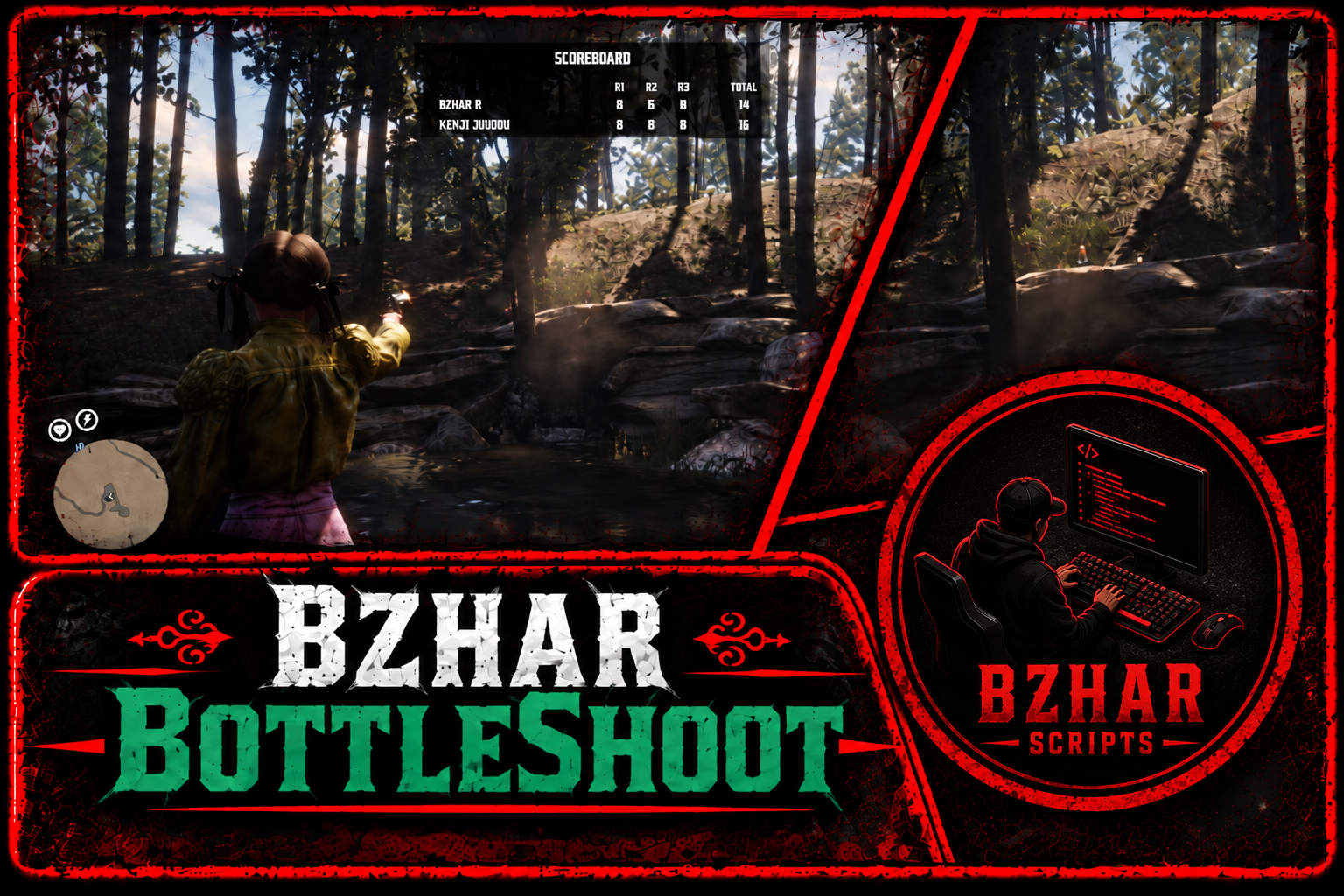
Bottle shooting game for VORP Two players bet money and shoot bottles for points, or one player practices alone No NUI, no menu library, no dependency past vorp_core oxmysql is used for the saved results when it is running
A bottle shooting competition script for **VORP**
## Support
https://discord.gg/VZkqMaNmtb
## Features
**Bzhar BottleShoot — Features 🎯**
* **Two-Player Matches:** Compete against another player with cash or gold bets
* **Solo Practice:** Train your shooting skills without needing another player
* **Player Invitations:** Invite players by name or ID, with an on-screen panel to accept or decline
* **Timed Rounds:** Default round timers of 20, 15, and 10 seconds, with warning sounds during the final five seconds
* **Golden Bottles & Bonus Points:** Earn extra points for golden bottles and a perfect bonus for breaking every bottle in one turn
* **Sudden Death:** Optional tie-breaking mode with up to three extra rounds
* **Winner Payouts:** The player with the highest score wins the pot
* **Rematch System:** Challenge the same opponent again with the same bet
* **Dedicated Shooting Areas:** Each player has a shooting circle. Leaving it results in a loss
* **Live HUD:** Displays the current round, remaining bullets, time, and points
* **Bottle Indicators:** White markers highlight normal bottles, while a rotating golden marker identifies the golden bottle
* **Detailed Scoreboard:** View top players, personal results, and recent matches. Rankings support wins, points, or money
* **Native RDR2 Interface:** Uses the original game’s menu style without NUI or additional menu libraries
* **Easy Configuration:** Customize locations, bottle count, timers, points, betting limits, text, and command names
* **Admin Controls:** Stop active games and refund bets, or reset individual and server-wide records
* **Server Position Checks:** The server verifies that players are at the designated location before starting a game
## Preview
https://youtu.be/PG2xv1E_GNA
## Commands
- `/bottleinvite [id] [amount]` with a hint on each one, the amount hint reads the real min and max out of `Config.Money`
- `/bottlerematch`
## Install
1. Put the folder `bzhar_bottleshoot` in your resources
2. Add `ensure bzhar_bottleshoot` to server.cfg after vorp_core
3. Open `config.lua` and set your own coordinates
## Link
https://bzharscripts.tebex.store/category/3405564